For Windows 10 and 11

Browse without the noise.

Frozyn blocks ads and trackers from the first page you open, runs on the Gecko engine instead of Chromium, and has a look you can make your own.

Version 1.1.0 · Free · No account needed

Frozyn showing its new tab page: a large clock, a search box and a row of shortcuts on an aurora background.

Ads and trackers, already blocked

A full content blocker using the EasyList and EasyPrivacy lists is built in and switched on, alongside strict tracking protection. There is nothing to install, and one click turns it off for a site you want to support.
Not another Chromium browser

Frozyn is built on Gecko, the independent engine developed by Mozilla. Modern sites, video and web apps work as you expect, and the web keeps more than one engine.

Quiet by default

No sponsored tiles, no promotions, no usage reporting. Background tabs go to sleep when memory runs low, and restored tabs load only when you return to them.

Make it yours

One panel changes the whole browser.

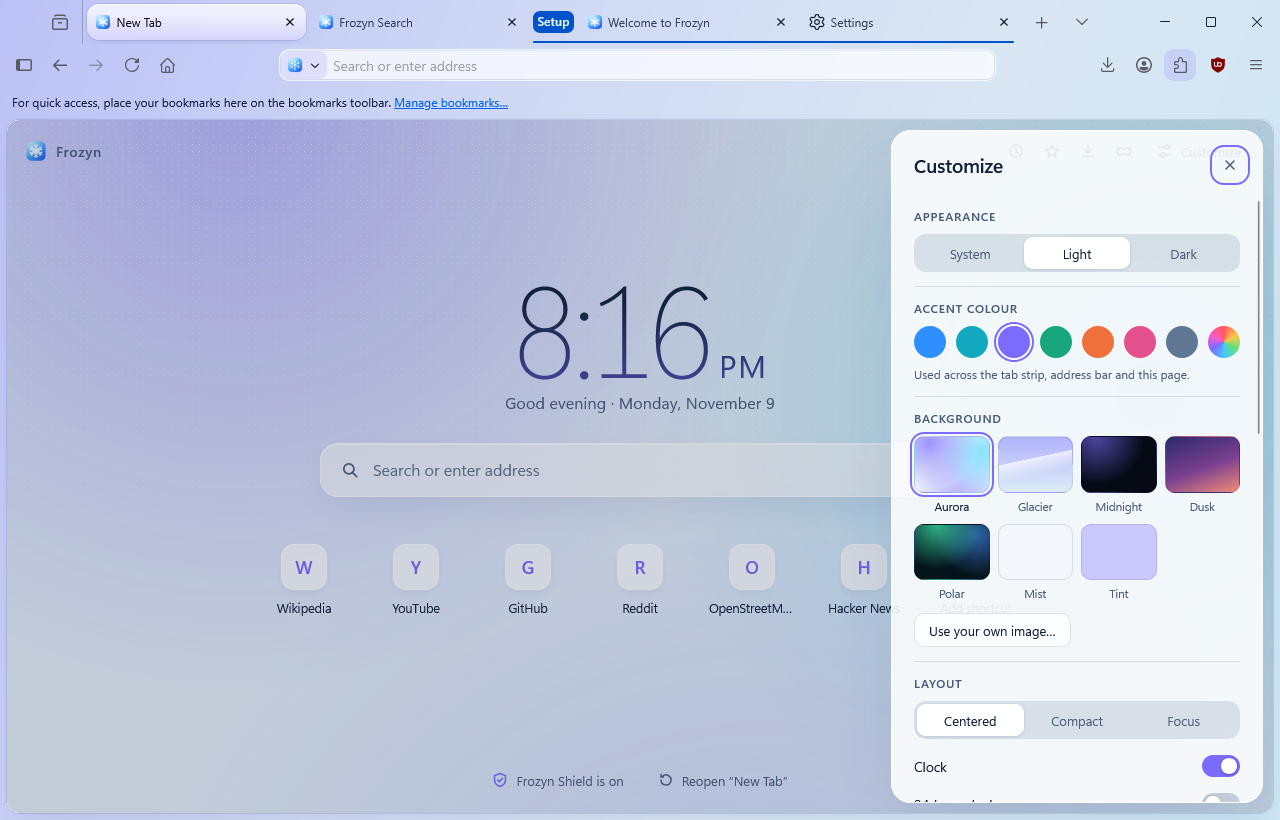
Pick an accent colour and it carries through the tab strip, the address bar and the settings pages. Choose from seven backgrounds or use your own picture, switch between light and dark, and decide what the new tab page shows: clock, shortcuts, notes, or just a search box.

The Customize panel open beside the new tab page, with appearance, accent colour and background choices.

Tabs that scale

Across the top, or down the side.

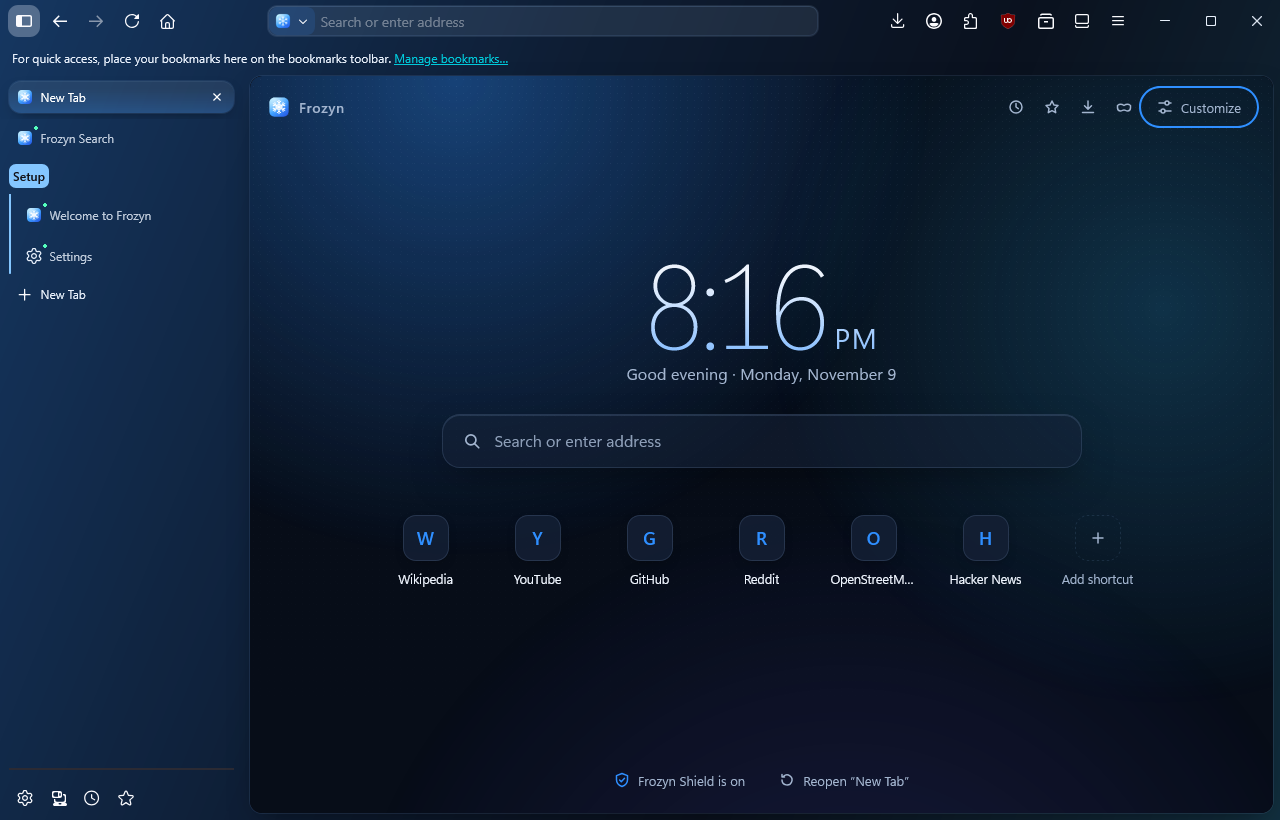
Group tabs under a name and a colour, collapse the group when you are done, pin the ones you always need. With many tabs open, move them to the side so every title stays readable. Close the window and your session is there when you come back.

Frozyn with tabs listed vertically down the left side, including a named tab group.

Private windows

A different sky, so you always know.

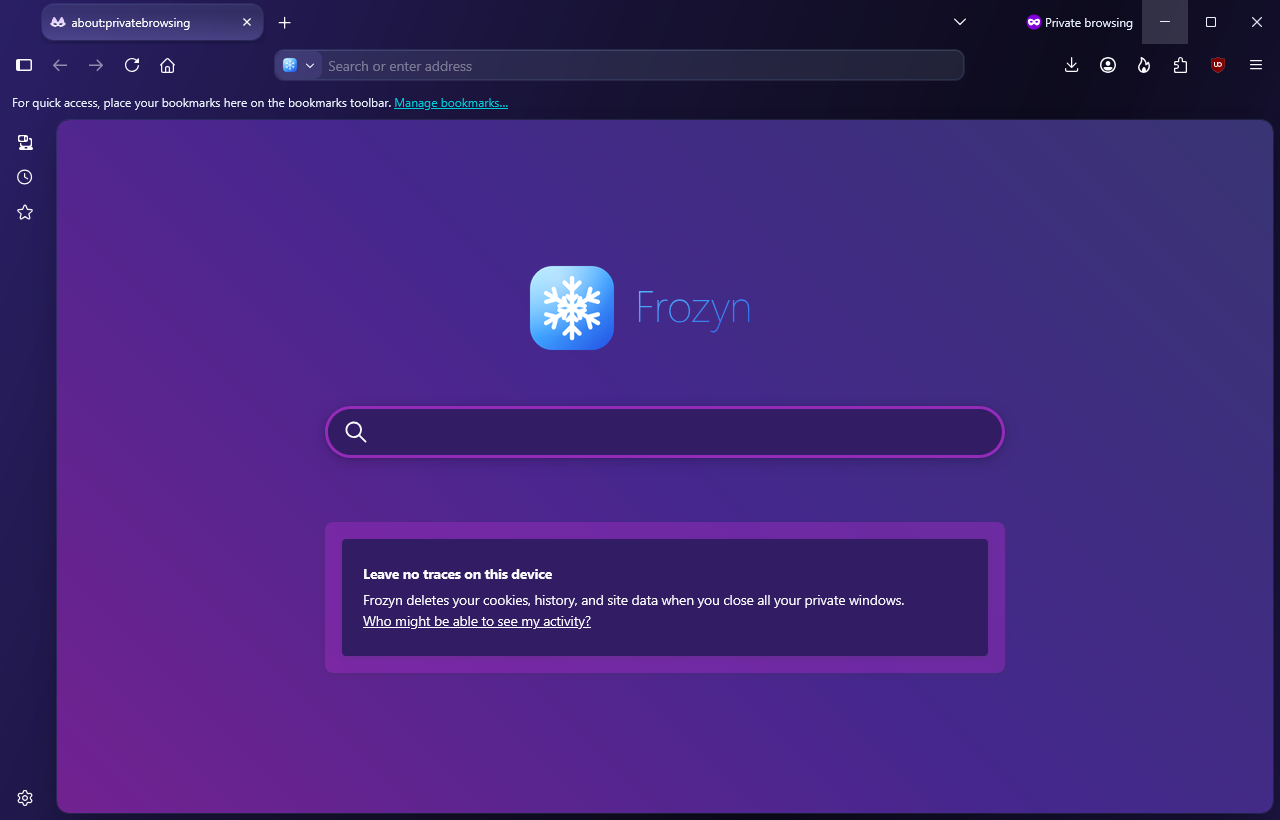
Private windows turn violet from edge to edge. History, cookies and site data from a private window are deleted when you close it, and the ad blocker stays on there too.

A Frozyn private window with a violet frame and a notice that nothing is kept on this device.

Everything you expect is already here.

Get Frozyn

One file. Installs for you only, so it does not ask for administrator rights, and it removes cleanly from Windows' installed apps.

Download for Windows

Version 1.1.0 · Windows 10 or 11, 64-bit

Windows shows a warning when I run the installer

Frozyn's installer is not code-signed yet, so Windows SmartScreen may say it does not recognise the app. Choose More info, then Run anyway. You can check the file you downloaded against the fingerprint below.

Questions

Is Frozyn its own browser engine?

No. Frozyn's interface, new tab page, defaults and setup are its own; the engine underneath is Gecko, the same one that powers Firefox. That is why sites work properly and security fixes keep arriving.

Which ad blocker does it use?

uBlock Origin, installed and switched on for you, with EasyList and EasyPrivacy enabled. Its shield button in the toolbar shows what was blocked on the page and lets you allow ads on a site.

What does Frozyn send about me?

Usage reporting and studies are switched off by default. Sync is off until you sign in to it; if you do, your data goes to Mozilla's sync service, which is end-to-end encrypted.

Which search engine does it use?

In the desktop browser, searches go through Frozyn Search, which currently hands your query to Google; you can add other search engines in Settings. Frozyn Web on this site shows Bing's results.

Will my extensions work?

Extensions made for Firefox work in Frozyn and can be installed from the add-ons site. Chrome-only extensions do not.

Is there a Mac or Linux version?

Not yet. Frozyn is Windows only for now.